QR Code Generator
Turn a link, a piece of text, a wifi network or a contact card into a QR code and download it as a PNG. Generated in your browser, so the address you encode never reaches our server.
QR Code Generator
Turn a link, a piece of text, a wifi network or a contact card into a QR code and download it as a PNG. Generated in your browser, so the address you encode never reaches our server.
Codes use error correction level M, which tolerates about 15 per cent damage — the usual choice for print. Very long content is refused rather than silently truncated.
How to read the result
- Shorter content makes a simpler code. A long URL produces a denser grid that needs a bigger print or a closer camera, so shorten the link before you encode it, not after.
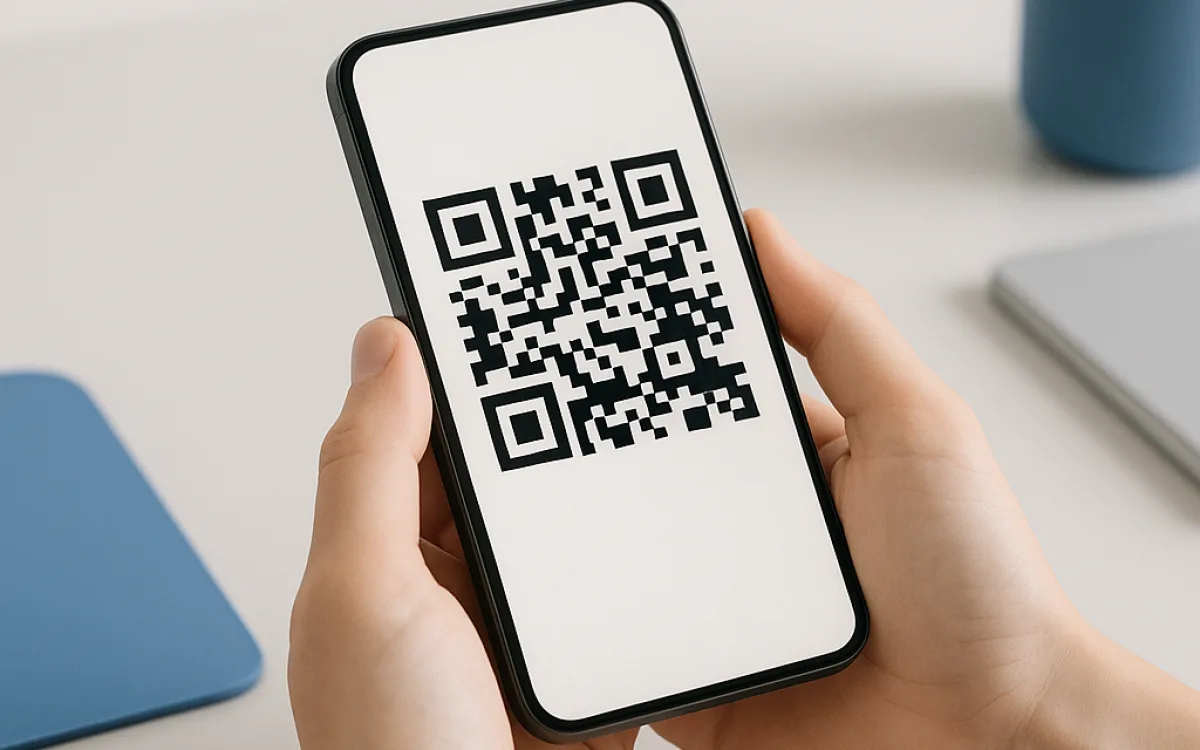
- Keep the white margin. The quiet zone around the code is part of the specification — a code cropped to its edge or laid on a busy photo often will not scan.
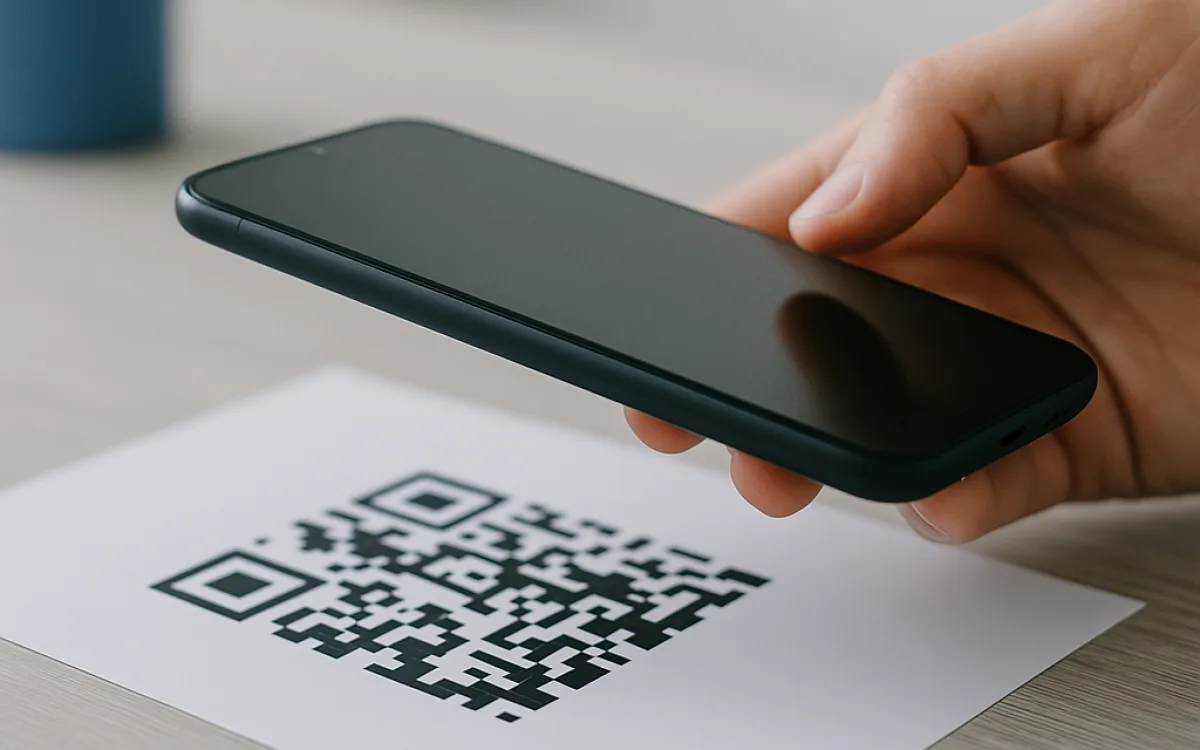
- Test the printed code, not the screen version. Print at final size, then scan it from the distance your reader will actually stand at.
Frequently asked questions
How much can a QR code hold?
In theory a few thousand characters; in practice far less if you want it scanned. Every extra character adds modules to the grid, and a dense code needs either a larger print or a closer, steadier camera. This generator handles up to about 400 characters at error correction level M, which comfortably covers a web address, a wifi login or a short contact card, and refuses anything longer rather than producing a code that technically encodes your data but no phone can read. If you need to encode more, put the content on a page and encode the link to it.
How does a wifi QR code work, and is it safe?
A wifi QR code is just a short piece of formatted text — the network name, the security type and the password — that phones recognise and offer to connect with. It saves reading a 20-character password aloud across a café. The safety consideration is straightforward: anyone who can see the code can join the network, so print it for a guest room or a counter, and do not post it where it can be photographed from the street or published online. The password is encoded in plain text inside the code, which also means the image itself should be treated as the password.
Why does my printed QR code fail to scan?
Four reasons, in order of how often they happen. The quiet zone was cropped — a QR code needs a clear margin of about four modules on every side and cropping to the edge breaks it. The contrast was inverted or reduced: dark on light is what readers expect, and light-on-dark or a code over a photograph often fails. It was printed too small for the scanning distance — a rough rule is a code of at least a tenth of the distance it will be scanned from. Or a logo was pasted over the middle: error correction tolerates some damage, but level M only about 15 per cent, and a logo usually costs more than that.
Related guides
QR Codes: Why Yours Will Not Scan and Which Free Online Tools to Trust
A practical guide to QR code error correction, print sizing, and the risks of dynamic short-link services, so you choose the right free online tools.

How to Share a Wi-Fi Password Using Free Online Tools
Learn how to share a Wi-Fi password safely using free online tools, phone features, and guest networks for homes, cafés and holiday lets.

Calculating Exact Age: Free Online Tools and the Leap-Year Problem
Learn how to calculate exact age in years, months and days, why the 365.25 shortcut fails, and when to use free online tools versus a spreadsheet or solicitor.
Why list your project here
- A permanent listing with your own subdomain, your own name and a card that links straight to you.
- Your card is translated into all 12 languages we publish in, at no cost to you.
- We only list tools that work without a login and without uploading the visitor's data.
- No exclusivity: list here and anywhere else you like.
- No fee. This is a directory, not an advertising slot, and there is nothing to buy.
- We are not a marketplace and we take no cut of anything you do — we simply point people at useful tools.