Digital Business Cards: vCard, QR Codes and Free Online Tools Compared
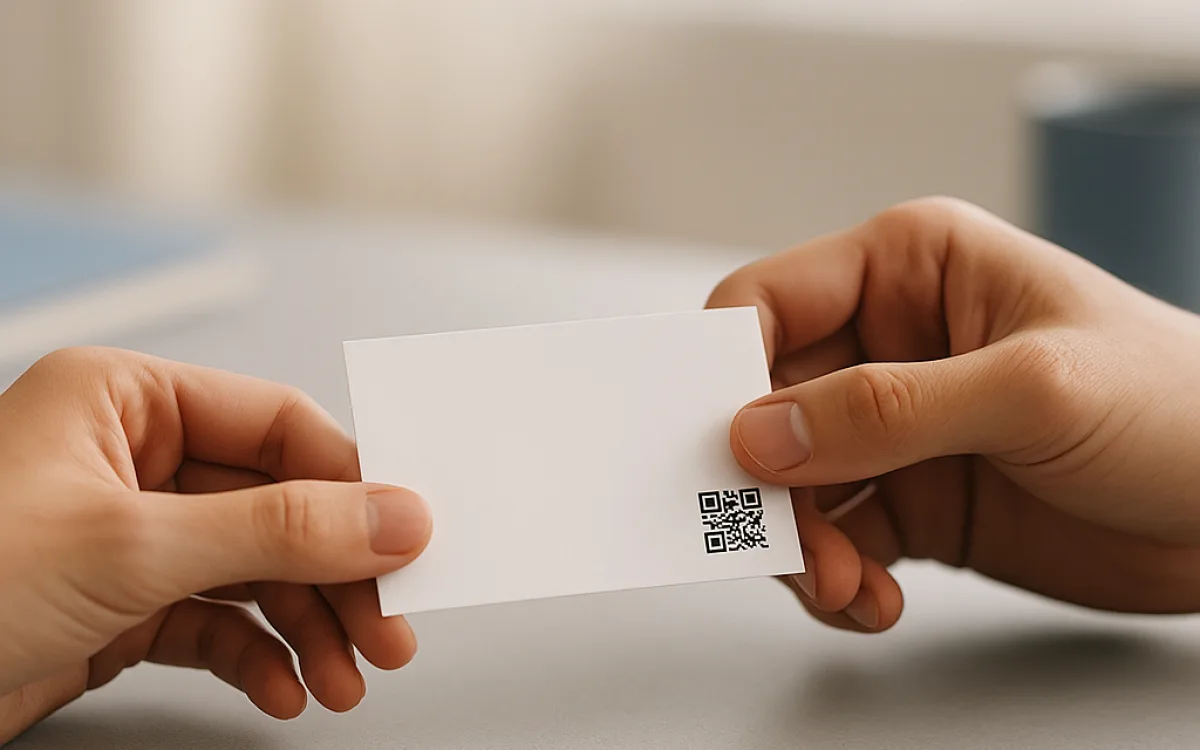
Business cards persist because handing someone a physical object still works. The digital equivalent is a vCard: a small text file that tells a phone where to store your name, number, email, address and more. Plenty of free online tools will turn that file into a QR code, but not all of them produce something every phone can read, and some quietly add tracking links or non-standard fields that break the import.
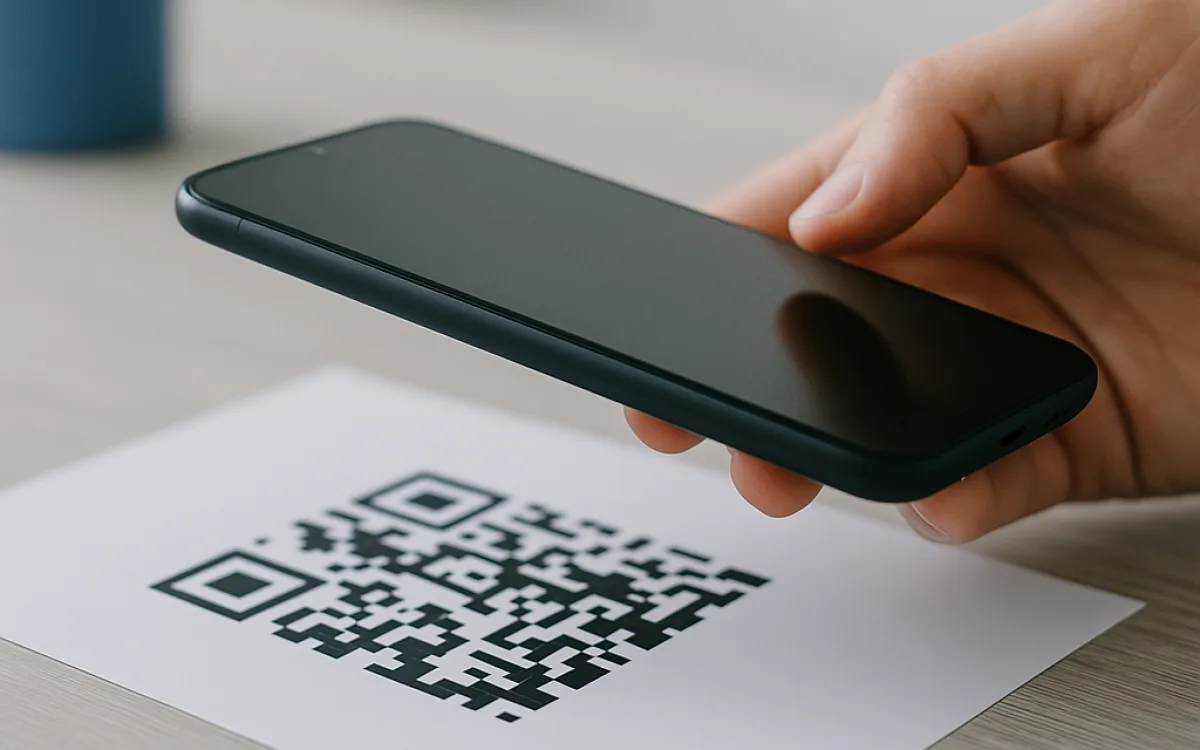
This guide compares vCard QR codes, link-to-page QR codes and app-based digital cards. It explains which vCard fields import cleanly into iOS, Android and desktop address books, which ones silently drop, and why a QR that opens a landing page is usually less useful than one that adds a contact directly. We also cover what a scanned card reveals about you, and when a free online tool is the wrong place to start.
What a vCard really is#
A vCard is just a plain-text file with a .vcf extension and a rigid syntax: each line starts with a property name, a colon, and a value. The current standard, vCard 4.0, can hold names, phone numbers, email addresses, URLs, postal addresses, photos, job titles, notes and even social-media links. Older phones still speak vCard 3.0, and a few budget devices only understand the much simpler 2.1 format. If the generator you use writes vCard 4.0-only syntax—such as certain international phone formatting or embedded base64 photos—the file may look fine on your iPhone but fail to import on an older Android handset. That is why the simplest vCard is usually the most reliable one.
Which vCard fields phones actually import#
Not every field you add to a vCard will survive the trip into someone else's address book. The safest approach is to treat the vCard as a business card, not a CV: name, phone, email and perhaps one URL. Add photos, multiple addresses, long notes or social links and you enter a lottery. iOS, Android, Samsung Contacts, Google Contacts and Outlook each parse the file slightly differently, so a field that imports on one device may vanish on another. The table below shows the fields we have seen import cleanly in tests, and the ones that frequently disappear or arrive broken.
| Field | Usually imports cleanly? | Common failure |
|---|---|---|
| Full name (FN/N) | Yes | None significant |
| Phone (TEL) | Yes | Formatting can split work/mobile labels |
| Email (EMAIL) | Yes | Label may become 'Other' |
| URL | Mostly | May be treated as a note on old phones |
| Postal address (ADR) | Sometimes | Line order and country code often lost |
| Photo (PHOTO) | Rarely | Large images break; iOS and Android differ |
| Organisation/title (ORG/TITLE) | Sometimes | Title often dropped; org name may be appended to contact name |
| Note (NOTE) | No | Truncated or ignored on many devices |
| Social profiles (X-SOCIALPROFILE) | No | Proprietary; often unread |
If a field is not in the table above, assume it will not survive a cross-platform import.
vCard QR, link QR or app-based card: the trade-offs#
There are three common ways to share a digital business card. A vCard QR encodes the contact file itself; scan it and the phone offers to save the person. A link QR sends the scanner to a web page, where they may read your details, download a vCard or do nothing. An app-based card lives inside a proprietary service and usually requires the other person to install the same app or view an ad-supported profile. Each has different costs, reliability and privacy implications.
| Format | What the scanner gets | Main risk and typical cost |
|---|---|---|
| vCard QR | A .vcf file the phone can import directly | Free to generate with free online tools; dense codes can be hard to scan; printed cards cost €0.05–€0.40 each depending on paper and quantity |
| Link-to-page QR | A mobile web page with your details | Hosting €0–€12/month plus domain €10–€50/year; page can go offline, track visitors, or demand a login |
| App-based card | A profile inside a specific app or platform | Freemium €0–€15/month, team plans €8–€40/user/month; platform can change terms, show ads, or shut down |
| Printed NFC card | A tap-to-save vCard or link | €3–€25 per card depending on material and volume; not every phone reads NFC; still needs hosting |
A link QR is only as good as the hosting behind it; if the bill is not paid, your card becomes a dead link.
Why a QR-to-landing-page often ends up in the bin#
A link QR sounds flexible because you can change the destination later, but flexibility is only useful if the scanner reaches the destination. In practice the user must unlock their phone, open the camera, scan the code, wait for the browser, load the page, read the page, then decide to save the contact. Each step loses people. The page may also require JavaScript, ask for location permission, or serve a cookie banner before showing your phone number. By the time the user sees your details, the moment has passed. A vCard QR shortens that chain to one action: save the contact.
- The scanner must have a data signal at that exact moment.
- The page has to load faster than the person's patience.
- The visitor must complete an extra tap to download or save.
- The landing page can break, move or expire without warning.
- The owner often gains analytics the visitor did not agree to.
What you leak when someone scans your card#
A vCard is not anonymous. At minimum it contains the fields you chose to include, but the QR code itself can reveal more. Static vCard QRs are usually safe because the data lives only in the image; no server sees when or where it is scanned. Dynamic or link QRs route the scan through a shortener or analytics platform, which can log the device type, approximate location, time and referrer. Some free online tools generate dynamic codes by default because they want usage data. If the QR points to a profile page, that page may set cookies, request permissions or ask the visitor to create an account before showing your details.
- Your name, number, email and any address you included.
- The fact that the scan happened, plus device and location if the code is dynamic.
- The hosting platform's tracking cookies and third-party scripts.
- Whether the scanner saved the contact or bounced, if the link is tracked.
If you would not print it on a paper card, do not encode it into a vCard or a link QR.
When a spreadsheet, native app or professional is the better choice#
Free online tools are fine for one-off personal cards or small teams, but they are not always the right tool. If you need hundreds of cards with consistent branding, a print shop or a designer will produce a better result and can pre-validate the vCard across devices; expect to pay €50–€250 for design, plus €20–€80 for a print run. If you update contact details frequently, a native contacts app or a CRM with built-in sharing may be easier than regenerating QR codes. If the card carries legal, medical or financial credentials, a generic generator is the wrong choice: you need a professionally controlled identity system, not a browser tool.
This guide does not replace legal, financial or identity advice; it only explains how the technology works.
Making a vCard QR code that phones can read#
Start by creating the smallest vCard that still does the job. Use version 3.0 for maximum compatibility, include only one phone number and one email unless you genuinely need more, and avoid embedding a photo unless you have tested it on both iOS and Android. Generate the QR code at a medium error-correction level; very high levels make the pattern denser and harder to scan from a distance. Print it at least 2.5 cm square, and always test the final printed version with a three-year-old phone before you order five hundred.
- Write the vCard in a text editor or export it from your contacts app.
- Strip out every field except the essentials.
- Validate the file by importing it into iOS, Android and one desktop mail client.
- Generate a static QR code from the file text, not from a hosted URL.
- Print a test card and scan it under poor light with an older phone.
- Keep the source file so you can regenerate the code if your details change.
Test, update and retire your card#
Digital business cards age quickly. A promotion, a new phone number or a rebrand can make last year's QR code misleading. Because a static vCard QR contains the data directly, you cannot change it after printing; you must reprint. Link QRs can be redirected, but only if you control the domain and the shortener. Set a reminder to review your card every six months, and retire old cards by removing the landing page or marking the number as outdated. A working card that shows last year's job title is worse than no card at all.
Frequently asked questions
Can I put my company logo and photo in a vCard QR code?
You can, but you probably should not. A photo must be base64-encoded inside the vCard or served from a URL, and both approaches break on different phones. iOS tends to accept small embedded images, while many Android contacts apps ignore them or import them at the wrong size. Logos are safer on the printed card itself, not inside the vCard. If you must include an image, keep it under 15 KB, test it on an iPhone and an Android device, and have a fallback version without the photo. Remember that the more data you stuff into the QR pattern, the denser it becomes and the harder it is to scan quickly.
Is a link QR better because I can update my details later?
Only if you are willing to keep paying for hosting and domain renewals for as long as the card exists. A link QR can be redirected, but that also means it can break, expire, or start showing ads if the service changes hands. Most people who receive a link QR will not save the contact immediately, so a later update helps only the minority who bookmarked the page. A static vCard QR cannot be edited after printing, which is a feature: what you hand out today will read exactly the same next year. If you need updatability, use a link QR on a domain you own and control, and accept the ongoing cost of around €10–€50 per year.
Do digital business cards expose me to spam or tracking?
A static vCard QR exposes only the data printed in the code, so the main risk is over-sharing information such as your personal mobile number or home address. A link QR or an app-based card can expose far more: the service may log the scanner's device, approximate location, time of scan and referrer. Some platforms then use that data for analytics or marketing. To minimise exposure, generate a static vCard QR with a tool that runs in your browser and does not upload the file, include only the fields you would print on paper, and avoid services that require the visitor to create an account before seeing your details.
vcard qr code generatordigital business card vs vcardfree online tools for business cardsqr code for contact card iphone androidvcard fields explainedshare contact details with qr code