How to Share a Wi-Fi Password Using Free Online Tools

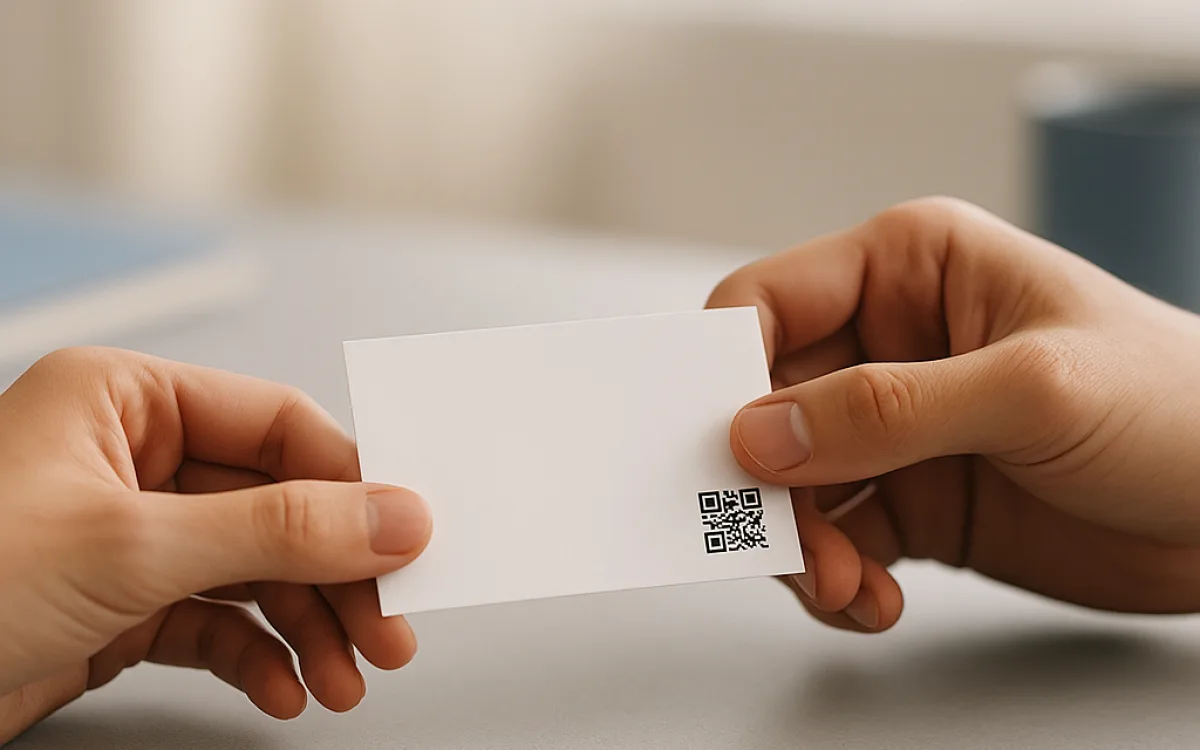
Giving someone your Wi-Fi password usually means spelling it out or watching them mistype it. Free online tools can skip that ritual: a QR code, a phone-to-phone prompt, or a printed card lets a visitor connect without anyone saying a word. The catch is that a QR code is just the password in picture form; anyone who scans it has the same access as someone who typed it in.
For a home with friends, that trade-off is usually fine. For a café, a holiday let, or anyone renting rooms, the right answer is usually a guest network, not a prettier way to hand out the main password. This guide compares the QR method, phone-to-phone sharing, and guest networks for three real situations, and flags where a free online tool is the wrong tool for the job.
Why spelling the password aloud is the weakest link#
Reading a password out loud solves the immediate problem, but it creates several lasting ones. Anyone within earshot — a customer at the next table, someone on a video call, or a child repeating what they heard — gets the same credentials. Typed passwords are also saved to the guest’s keychain or phone, so they remain valid long after the visit ends. If you later change the password to revoke access, you must track down every device that stored it. For a home with trusted friends this matters little; for a rental or café it is a slow leak of access.
If your password is short enough to read aloud quickly, it is probably short enough for a neighbour to guess.
What a Wi-Fi QR code really contains#
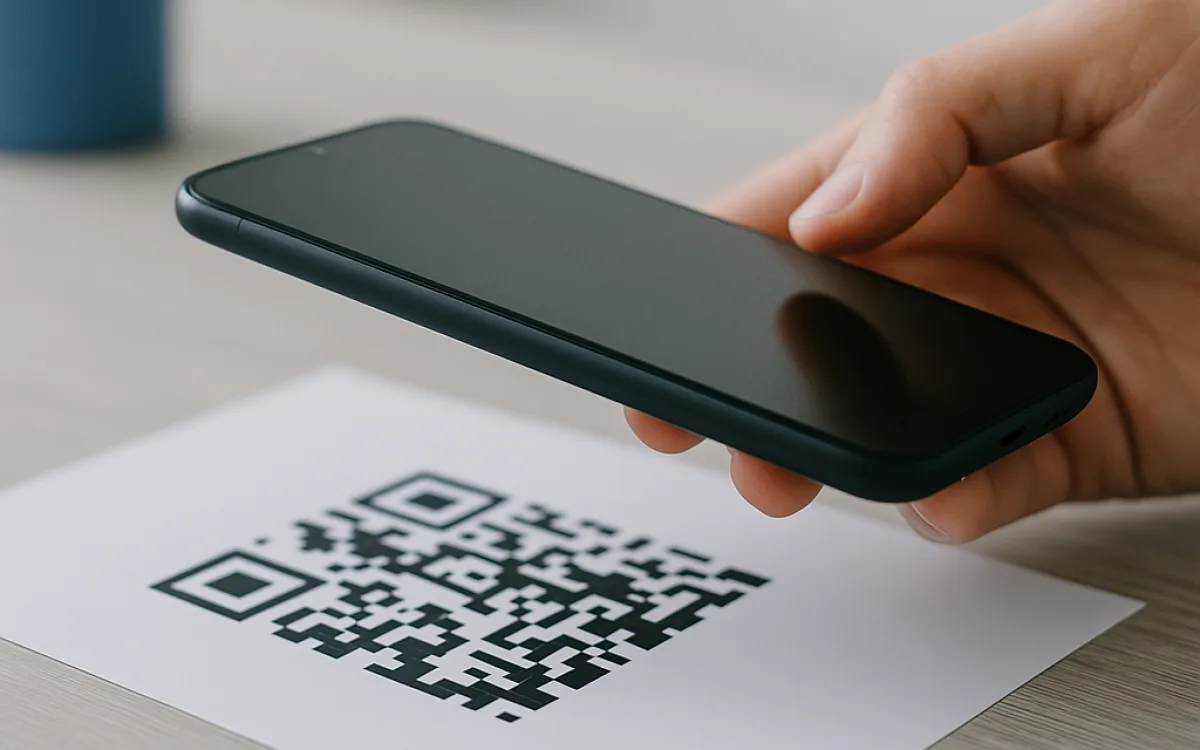
A Wi-Fi QR code is not a magical key. It is a standardised string that tells the phone which network to join and what password to use. The image contains the SSID, the security type (usually WPA2 or WPA3), the password in plain text, and sometimes a hidden-network flag. Because the password is inside the image, anyone who can scan or save the QR can extract it. That makes a printed poster in a holiday let the functional equivalent of writing the password on the wall. The safest free online tools are the ones that build the QR image entirely inside your browser, because the SSID and password never leave your machine.
| What the QR stores | What that means for security |
|---|---|
| Network name (SSID) | Tells the device which network to join; not a secret on its own. |
| Security type (WPA2/WPA3) | Lets the phone negotiate the connection correctly. |
| Password | Anyone with the image can extract and reuse it. |
| Hidden-network flag (optional) | Reveals that a hidden network exists. |
A laminated QR poster in a holiday let is effectively a permanent leak to every future guest.
Phone-to-phone sharing: Apple, Android, and their limits#
Modern phones can share Wi-Fi credentials over Bluetooth or a local peer-to-peer link, which avoids the awkwardness of reading a password aloud. On an iPhone running iOS 11 or later, tapping the network and choosing Share Password sends the details to a nearby contact who is in your address book. On Android, Nearby Share can pass Wi-Fi details to another Android device within range. Both methods are convenient, but both still store the password on the recipient’s phone, and neither works well across iOS and Android. They are built for family and friends, not for customers or short-stay guests.
- iOS Share Password: both devices need iOS 11+, Bluetooth and Wi-Fi on, and the recipient in your Contacts.
- Android Nearby Share: the receiving device must accept the prompt while within a metre or two.
- Cross-platform: sending from iPhone to Android usually means falling back to reading or typing the password.
- Both methods save the password to the guest’s saved networks, so access persists after they leave.
- Neither method gives you a way to revoke access without changing the Wi-Fi password.
Phone-to-phone sharing is only as private as the relationship between the two people.
Guest networks: the real answer for cafés and holiday lets#
A guest network is a separate wireless network broadcast from the same router. It gives visitors internet access while keeping them off the network where your printer, file server, payment terminal, or smart home devices live. Most modern routers include a guest-network setting at no extra cost; you simply give it a different name and password. Business routers add useful controls such as bandwidth limits, scheduled hours, captive portals, and voucher codes that expire at checkout. If your current router lacks the feature, a consumer mesh or Wi-Fi 6 unit costs €60–€180 depending on speed and coverage, while a business-grade access point runs €120–€400 depending on PoE, central management, and Wi-Fi 7 support. Professional installation for a small café or holiday let is typically €150–€600, rising with cabling length and the number of access points.
| Guest-network feature | Why it matters |
|---|---|
| Device isolation | Stops guests from seeing your printer, NAS, or payment hardware. |
| Separate password | Lets you rotate or disable guest access without affecting your own devices. |
| Bandwidth limits | Prevents one visitor from saturating the connection. |
| Captive portal | Shows terms of use before access; useful for cafés and co-working spaces. |
| Vouchers or schedules | Holiday lets can issue codes that expire at checkout or disable the network off-season. |
A guest network separates visitors from your devices, but it does not encrypt the internet traffic end-to-end.
Where not to put your Wi-Fi QR code or password#
The most common mistake is treating a Wi-Fi password like a public amenity. Once it leaves your mouth or your private message, you lose control over where it travels. Search engines cache listing pages, guests photograph sticky notes, and email inboxes are shared or hacked. A QR code posted on social media is a password that the whole world can save. The safer rule is to share credentials only through channels you can delete or replace, and only with people who are physically present.
- On public social media, listing sites, or review replies — search engines and strangers keep copies.
- On a sticky note stuck to the router in a rental property.
- In a pre-arrival email that sits in the guest’s inbox indefinitely.
- On a poster visible from the street or in photographs shared online.
- In a group chat with people who are not the current guest.
If you cannot delete it or change it remotely, it is the wrong place for a password.
When a free online tool is the wrong choice#
Free online tools are handy for one-off tasks: generating a QR code for a family dinner, counting characters in a sign, or creating a strong password. They are not network architects. If you run a café, a holiday let, or any premises that handles payment or booking data, a browser QR generator will not give you device isolation, logging, or compliance. In those cases the right tools are a business router, a managed Wi-Fi service, or a network professional. If you are managing dozens of rooms, a spreadsheet and a consumer router will not scale; you need a property-management system or managed Wi-Fi. The same applies if you are subject to data-protection rules: a QR code is not a substitute for a properly segmented network.
No browser tool can create a guest network for you; that has to be configured in your router.
A practical workflow for three common situations#
Choosing a method depends on how much you trust the visitor and how often the crowd changes. A trusted friend at home needs little ceremony. A café needs a rotating crowd without giving away the keys to the back office. A holiday let needs easy access that expires when the booking does. The table below matches each situation to a sensible method and the main risk to watch.
| Situation | Sensible method | Main risk to watch |
|---|---|---|
| Home with friends | Phone-to-phone sharing or a browser-only QR | The password stays on their phone after the visit. |
| Café or co-working space | Guest network with captive portal | A QR poster alone hands the same password to every visitor forever. |
| Holiday let or short-stay rental | Guest network plus a printed QR only for that network | Future guests may keep the code or share it online. |
The bottom line: convenience versus control#
Free online tools are a sensible starting point when you need a quick QR code for a trusted guest and you use a browser-only generator that never uploads your SSID or password. They stop being the right choice when the visitor is a paying customer, the device is a business asset, or the network touches payment or personal data. In those cases, spend money on the right layer of the problem: a guest network, a business access point, or professional advice. No sharing shortcut removes the need to think about who has access and for how long.
This guide is not technical, legal, or financial advice for your specific premises.
Frequently asked questions
Can someone hack my Wi-Fi from a QR code?
A QR code does not hack your network in the cinematic sense; it simply contains the password in a machine-readable format. Anyone who scans the image gets the same access as someone you told the password to. If that image is posted publicly, saved in a guest’s photos, or shared online, you have effectively given the password to the world. The encryption between your router and the phone still works, but encryption does not help once the password is known. The fix is to change the password and, for regular visitors, use a guest network instead of sharing the main credentials.
Is it safe to use a free online QR generator for my Wi-Fi password?
It is safe only if the generator runs entirely in your browser and never sends the SSID or password to a server. You can check this by opening the site, disconnecting from the internet, and trying to create the QR: a genuine browser-only tool will still work. Server-side generators may log your credentials, and some monetise by storing or analysing inputs. For a one-off home use, a reputable browser-only tool is fine. For a business, a holiday let, or any environment with turnover or payment data, skip the QR generator and configure a guest network on your router.
Should guests get my main Wi-Fi password or a separate guest network?
For a home with friends or family you trust, sharing the main password is usually acceptable, though you should still change it if the relationship changes or a device is lost. For a café, a holiday let, or any property with paying guests, a separate guest network is the minimum sensible setup. It keeps visitor devices away from your printer, payment hardware, and personal files, and it lets you rotate or disable the guest password without touching your own devices. If your router does not support guest networks, a new consumer unit costs €60–€180 depending on Wi-Fi speed and coverage, while professional installation for a small business runs €150–€600.
share wifi password with qr codefree online tools for wifi sharinghow to share wifi password safelyphone to phone wifi sharingguest network vs main networkwifi qr code security