QR Codes: Why Yours Will Not Scan and Which Free Online Tools to Trust
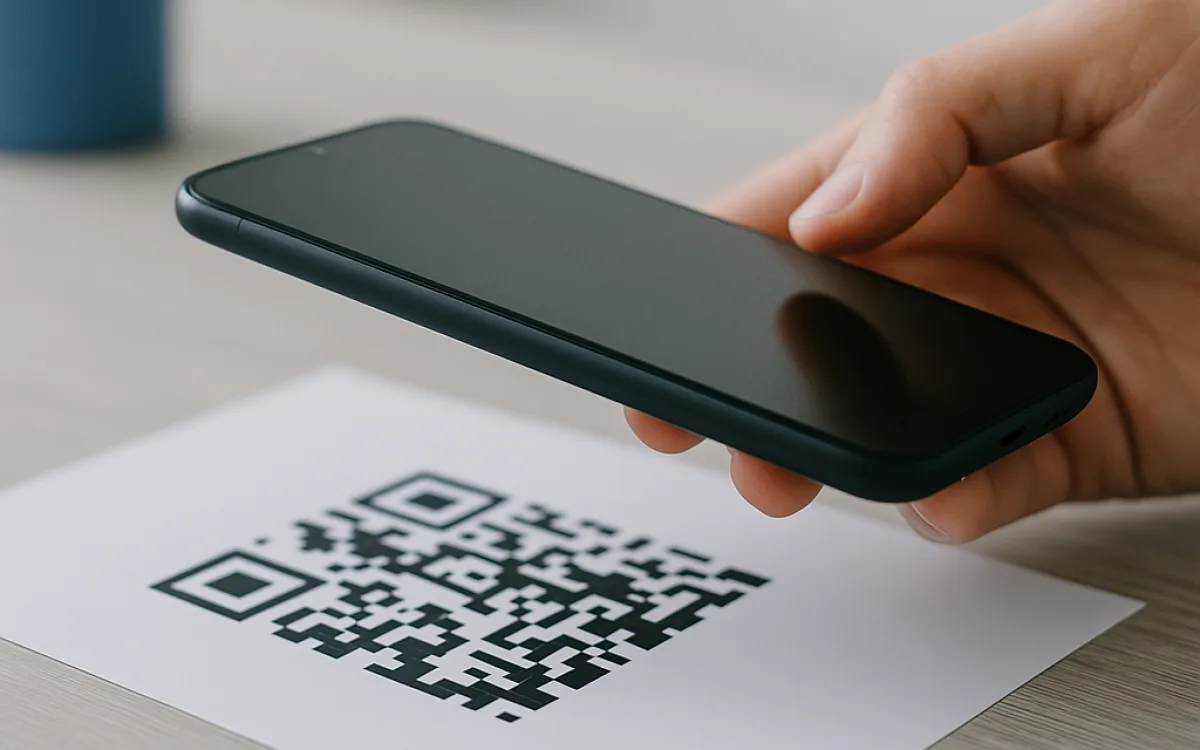
A QR code is a two-dimensional barcode that a phone camera reads as a string of text, usually a URL. Error-correction algorithms then reconstruct the message even if part of the pattern is dirty, creased or obscured by a logo. That resilience is real, but it is not infinite: poor contrast, a missing quiet zone, or too much data can still make a code unscannable.
Free online tools make it tempting to generate a code in ten seconds and paste it onto a flyer. That is fine for a one-off test, yet business use introduces real risk. Print resolution, colour choice, error-correction level, and the difference between a static code and a tracked short link all affect whether a customer reaches your site or gives up. This guide covers the mechanics that matter and the failure modes that actually show up in the field.
What a QR code actually stores#
A QR code stores text as a grid of black and white modules. The most common payload is a URL, but the specification also supports plain text, contact cards, phone numbers, Wi-Fi credentials and SMS messages. The data is converted into a binary stream, padded, and spread across the grid using Reed-Solomon error correction. Version 1 is a 21×21 grid; higher versions hold more data at the cost of density. A longer URL means more modules, smaller individual squares at a fixed print size, and a harder scan for older cameras.
- Numeric mode: digits only, highest capacity.
- Alphanumeric mode: uppercase letters, digits and a limited set of symbols.
- Byte mode: any UTF-8 text, including lowercase URLs and special characters.
- Kanji mode: Shift JIS characters, rarely useful outside Japan.
A vCard or long URL can force a higher version and smaller modules, so keep the payload short.
Error correction: the safety margin you can choose#
QR codes offer four error-correction levels. The level determines how much of the pattern can be damaged before the code becomes unreadable. It is not about making the code stronger in every sense; higher levels consume space that could otherwise hold data, so they reduce capacity or increase density. Level L is enough for a clean digital screen. Level H is the choice for outdoor stickers or codes that will carry a logo, but it cuts usable data capacity by roughly a third. Most generators default to M, a reasonable middle ground.
| Level | Approximate recovery | Best for |
|---|---|---|
| L (Low) | ~7% damaged modules | Clean screens, controlled indoor use |
| M (Medium) | ~15% damaged modules | Flyers, handouts, general print |
| Q (Quartile) | ~25% damaged modules | Outdoor labels, slight abrasion risk |
| H (High) | ~30% damaged modules | Heavy wear, logos, manufacturing marks |
Higher correction does not make a blurry or low-contrast code readable; it only repairs missing modules.
Quiet zone, contrast, and colour choices#
The quiet zone is the empty margin around the three position markers. Without it, the scanner cannot reliably locate the code. A safe quiet zone is at least four modules wide on every side; many designers crop it to make the code fit a layout, which is the single most common cause of intermittent scans. Contrast matters more than colour. Black on white works because the luminance difference is large. Pale blue on white, dark grey on black, or gradients can drop below the threshold. Colour is fine if the dark modules remain clearly darker than the light ones.
- Keep a quiet zone of at least four modules on all sides; more is safer.
- Use high luminance contrast, not just different hues.
- Avoid gradients, photographs, or tints behind the code.
- If the brand demands colour, make the modules the darkest available colour and the background the lightest.
- Never reverse the code out of a dark background unless every module is clearly lighter than the surround.
A glossy laminate can create specular highlights that wash out modules; matte finishes scan more reliably.
Print size and scanning distance: a rule of thumb#
The smallest printable unit is the module, not the overall code. A useful rule of thumb is that the module width should be at least one three-hundredth of the expected scanning distance. If you expect customers to scan from half a metre, each module should be about 1.7 mm wide. A version-1 code is 21 modules across, so the whole code would need to be roughly 36 mm. A longer URL may push the code to version 5 or higher, requiring a proportionally larger print to keep modules the same size. Printing smaller than the calculation invites failure.
| Expected scanning distance | Minimum module width | Minimum code size (Version 1, 21 modules) |
|---|---|---|
| 0.3 m (handheld) | 1.0 mm | 21 mm |
| 0.5 m | 1.7 mm | 36 mm |
| 1.0 m | 3.3 mm | 70 mm |
| 2.0 m | 6.7 mm | 140 mm |
| 5.0 m (posters/billboards) | 17 mm | 350 mm |
These are minimums for ideal conditions; add 30–50% for low light, curved surfaces, or older phones.
Putting a logo in the middle: a calculated gamble#
A logo sits in the centre because that area is least critical for decoding. Error correction rebuilds the missing modules, but only up to the limit of the chosen level. A central image that covers 5–10% of the code is usually safe at Level H; covering 15% or more begins to trade away the safety margin. The logo must also be treated as damage: it should sit on a flat, contrasting background, not bleed into surrounding modules. Many branded codes fail because the logo overlaps position markers or the timing patterns. If brand guidelines demand a large logo, increase the print size so modules stay large enough to compensate.
- Use Level H if you must include a logo.
- Keep the image under 10% of the total area.
- Centre it away from the three finder patterns in the corners.
- Place the logo on a solid block, not a transparent overlay.
- Test with the oldest phone and worst lighting you can find.
A logo is not the only source of 'damage': creases, stains, and low resolution also consume the same error-correction budget.
Static codes versus dynamic short-link services#
A static QR code embeds the final URL directly. Print it, and it will work as long as the URL exists. A dynamic service encodes a short link that redirects to a destination you can change later. That is genuinely useful for campaigns, A/B tests, and correcting typos after a poster has gone to print. The trade-off is dependency. If the service changes its redirect rules, raises prices from €0 to €10–€25 per month as usage grows, or shuts down, your printed code becomes a dead link or worse, redirects somewhere else. For long-life assets such as vehicle decals or product labels, a static code usually wins.
- Gain: change the destination URL without reprinting.
- Gain: scan counts, locations, and device statistics.
- Risk: the service controls the redirect; outages become your outage.
- Risk: subscription costs can rise from €0 to €10–€25 per month as usage grows.
- Risk: if the service closes, your printed materials become landfill.
Download a vector file and a tested screenshot of the decoded URL before you commit to a large print run.
When free online tools are enough, and when they are not#
For a single code, a short URL, and a one-off flyer, free online tools are perfectly adequate. Look for a generator that runs in the browser, exports SVG or high-resolution PNG, and lets you set the error-correction level. Avoid tools that force you to log in, watermark the output, or redirect through the provider's own short-link domain. For batch work, event badges, asset labels, or brand-controlled packaging, use a spreadsheet mail-merge, a design programme with a QR plug-in, or a professional printer who provides verified proofs. The cost of fixing ten thousand printed items far exceeds the cost of doing it properly once.
If a generator asks for an email address to 'send your code', your data is leaving the browser.
Test before you commit to print#
Testing is not optional. Scan the code with at least two different phones, one of them more than three years old. Try it under fluorescent light, daylight, and at the intended scanning distance. If the code will be on a curved surface such as a bottle or a vehicle, scan it while it is wrapped, not flat. Print a single proof on the actual substrate and laminate if one will be used. Only after it passes those checks should you approve a run of €50–€500 worth of materials, depending on quantity and finish.
- Scan with iOS and Android devices from different years.
- Test in low, bright, and mixed lighting.
- Try the actual scanning distance and angle.
- Test on the final material, including any lamination or coating.
- Confirm the decoded URL matches exactly, including https://.
A code that scans perfectly on a glossy monitor may fail on matte paper under a shadow.
Frequently asked questions
Why does my QR code scan on my phone but not on my customer's phone?
Newer phones have better sensors, faster autofocus, and more aggressive decoding software. A code that scans on a flagship device may fail on a three-year-old budget phone, especially if the modules are small, the contrast is marginal, or the lighting is poor. Camera apps also vary: some tolerate a damaged quiet zone or a glossy reflection better than others. The only reliable test is to scan with the oldest and cheapest device your audience is likely to own, under real-world conditions. If it fails there, it will fail for some customers.
Can I change the URL in a QR code after printing?
Only if the code encodes a dynamic short link. A static code contains the actual URL, so what is printed is fixed. Dynamic services let you change the destination through a dashboard, which is useful for correcting mistakes or rotating campaigns. The catch is that the redirect is controlled by the service, not by you. If the service changes its terms, suffers an outage, or disappears, your printed code points to a broken or hijacked link. For materials that will last years, a static code is usually the safer choice.
Are free online QR code generators safe to use?
Many are safe for a quick test, but not all handle your data the same way. A generator that runs entirely in your browser never sends the URL to a server, which is ideal. Others upload the payload, create the code on their server, and may store or log it. Some wrap your URL in their own short link so they can track scans, or they place the redirect under their control. For sensitive destinations, business use, or anything you will print in volume, prefer a browser-only tool that exports SVG or high-resolution PNG and never asks for a login.
free online QR code generatorQR code error correction levelsstatic vs dynamic QR codeQR code print size and distancewhy won't my QR code scanQR code with logo guidelines